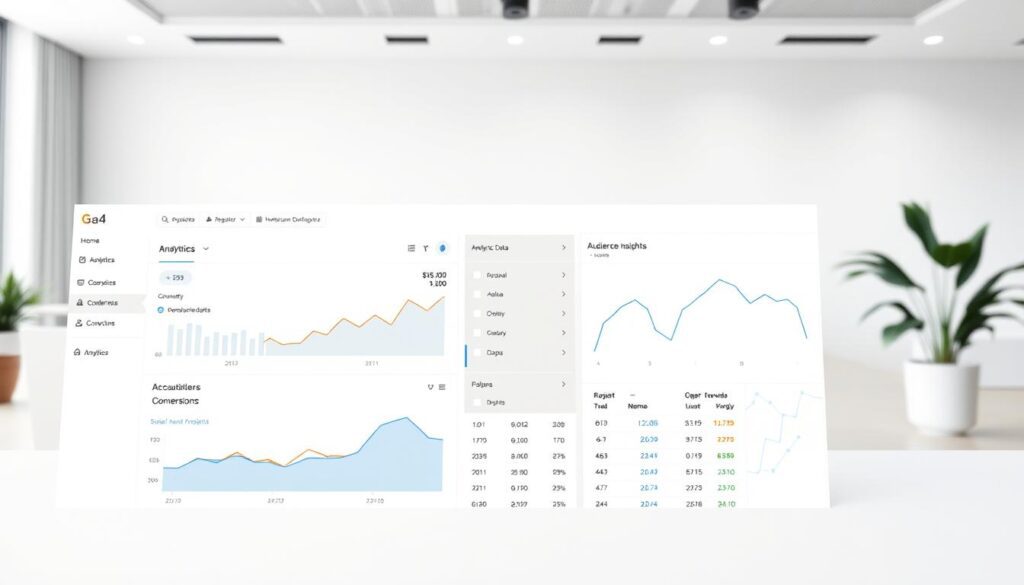
In the world of digital marketing, understanding user behavior is crucial for success. One of the most effective tools to achieve this is Hotjar. This program specializes in creating heatmaps, which provide a visual representation of how users interact with your website. By utilizing heatmaps, you can identify the most and least engaging areas on your site. Consequently, this leads to informed decisions that enhance user experience. In this post, we will explore Hotjar’s features, pricing plans, and how it can revolutionize your approach to user analytics.
Additionally, many businesses today rely on website analytics tools to gain deeper insights into user behavior and engagement patterns. These tools help uncover hidden opportunities for improving navigation and design.
When combined with a strong conversion rate optimization strategy, they can significantly increase your website performance. Understanding user experience design principles also plays a key role in keeping visitors engaged.
Many marketers use UX optimization techniques to refine their pages and improve usability. Integrating behavior tracking software like Hotjar allows for more precise and actionable insights.


What is Hotjar?
Hotjar is an analytics tool designed to help businesses understand website user interactions. It goes beyond traditional analytics by offering visual feedback through heatmap data visualization, session recordings, surveys, and user interviews.
Thus, this multifaceted approach allows you to see exactly where users click, how far they scroll, and where they spend the most time on your site. As a result, you can make data-driven decisions that improve overall user experience and boost conversion rates.

Discover Hotjar features and how it can help your website.
In addition, website analytics tools like Hotjar provide a more visual understanding compared to traditional data platforms. This makes it easier to interpret user behavior without complex reports. Applying conversion rate optimization techniques becomes simpler when you clearly see user actions.
A solid user experience design ensures visitors stay longer and interact more. UX optimization techniques help refine each page for better performance. Behavior analytics allows you to continuously monitor improvements and adjust strategies accordingly.


Key Features of Hotjar
Heatmaps: The core feature of Hotjar, heatmaps visually represent user interactions. You can analyze click maps, scroll maps, and move maps to understand user behavior better. For instance, a click heatmap shows which links users click most frequently, while a scroll heatmap indicates how far down the page they scroll.
Session Recordings: Additionally, this feature allows you to watch real-time recordings of user sessions on your website. You can observe how users navigate through your site and identify frustrations. Moreover, this helps pinpoint areas for improvement.
Surveys and Feedback: With Hotjar’s surveys and feedback tools, you can gather direct insights from users. This feature enables you to ask specific questions about their experience and collect valuable statistics that inform your strategies. Furthermore, these insights can guide your future decisions.
User Interviews: Engaging directly with users through interviews provides qualitative insights that surveys might miss. In addition, Hotjar facilitates this process by automating recruitment and scheduling. Thus, you can focus on gathering meaningful feedback.
Heatmap Creator: Furthermore, Hotjar includes a heatmap creator tool that allows you to customize your heatmaps based on specific parameters. This feature helps you tailor your analysis to focus on particular segments of your audience or specific pages on your site.
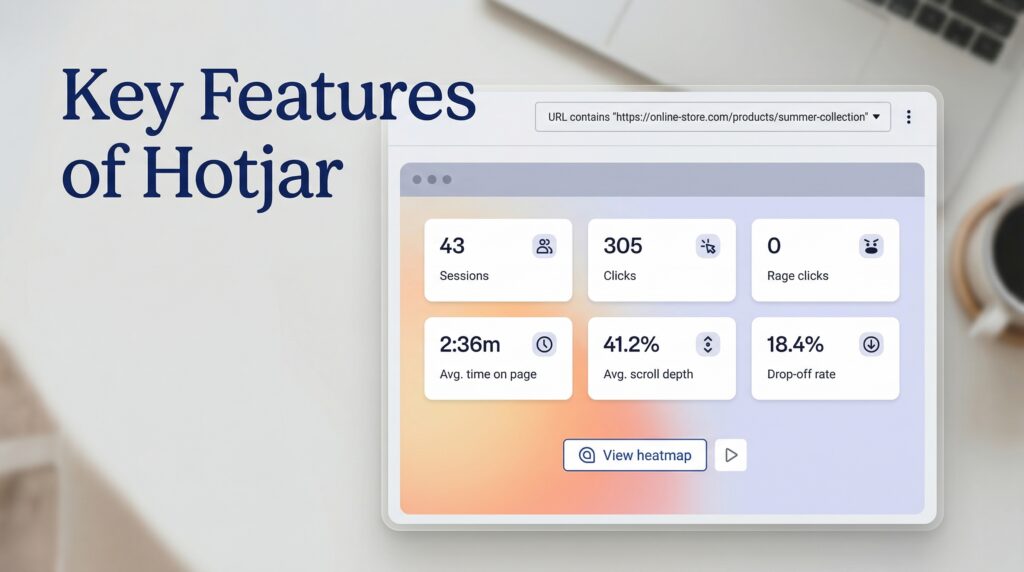
How Hotjar Features Improve User Experience and Conversions
Additionally, combining these features with website analytics tools gives you a full picture of user behavior. Conversion rate optimization becomes more effective when you can identify exact friction points. A strong user experience design ensures that insights are properly implemented.
UX optimization techniques help improve page layouts and interactions. Behavior tracking software enables continuous monitoring of user engagement. This combination leads to better decisions and measurable growth.
If you’re looking for quality and affordable guest posting services, Icopify is your best choice; they’ll get the job done successfully, helping your site rank better.
Additionally, combining external promotion with website analytics tools can amplify your results. Understanding how users behave after arriving from backlinks is crucial. CRO strategy helps turn that traffic into real results.
UX design principles ensures visitors stay engaged once they land on your site. UX optimization techniques further improve retention and usability. Behavior tracking software provides insights into how these visitors interact with your content.
Free vs. Paid Plans
Hotjar offers both free and paid plans to cater to different needs:
- Free Plan: The basic plan allows you to collect heatmap data from up to 1,050 website sessions per month. This plan is ideal for small businesses or those just starting with user analytics.
- Paid Plans: For more extensive needs, Hotjar offers several paid packages. The “Plus” plan focuses on visualizations like heatmaps and session recordings. The “Business” plan is tailored for collecting user feedback through surveys. Lastly, the “Scale” plan includes features for hosting moderated user interviews.
Moreover, choosing the right plan depends on your business goals and traffic volume. Analytics platforms become more powerful as your data grows. Conversion rate optimization efforts are easier with more insights available.
User experience design improvements can be scaled with advanced plans. UX improvements benefit from deeper analytics and segmentation. Behavior tracking software becomes essential for larger websites with diverse audiences.

Why Use Heatmaps Hotjar?
Using Hotjar is essential for anyone serious about improving their website’s performance. The insights gained from its features allow you to optimize your site effectively. For example:
- Conversion Rate Optimization Tools: By analyzing heatmap data, you can identify which elements lead to higher conversions and which do not engage users effectively.
- Data Reporting: Moreover, Hotjar provides comprehensive reports that summarize user interactions on your site. This data is invaluable for making informed decisions.
- Data Visualization Dashboard: The data visualization dashboard in Hotjar allows you to easily interpret complex data sets at a glance; thus, making it simpler to identify trends and patterns in user behavior.
- Integrations Tool: Hotjar integrates seamlessly with various other tools, enhancing its functionality and allowing for a more streamlined workflow.
In addition, combining heatmaps with website analytics tools provides deeper insights into user behavior. Conversion rate optimization becomes more precise when backed by visual data. A strong user experience design ensures visitors have a seamless journey.
UX improvements help refine every interaction point. Behavior tracking software ensures that no important data is missed. These combined strategies lead to better performance and higher engagement.
📊 Hotjar vs Traditional Analytics Tools
| Feature | Hotjar | Traditional Analytics |
|---|---|---|
| Visual Heatmaps | Yes | No |
| Session Recordings | Yes | Limited |
| User Feedback Tools | Yes | No |
| Behavior Tracking | Advanced | Basic |
| Data Visualization | High | Medium |
| Ease of Use | Easy | Moderate |
Call to Action
Are you ready to transform your website into a user-friendly powerhouse? Don’t miss out on the opportunity to leverage Hotjar’s powerful features! Sign up today for a free trial or choose a paid plan that suits your needs best. Click the link below to get started with Hotjar and unlock the full potential of your website!
Conclusion: Heatmaps Hotjar
In conclusion, Hotjar is an indispensable tool for anyone looking to enhance their website’s performance through data-driven insights. With features like heatmaps, session recordings, surveys, and user interviews, it provides a comprehensive understanding of user behavior.
Whether you choose the free plan or one of the paid options, Hotjar equips you with the tools necessary for effective optimization and improved conversion rates. Ultimately, start using Hotjar today and take your website to new heights!
❓ FAQ – Hotjar & Heatmaps
1. What is Hotjar used for?
Hotjar is used to analyze user behavior through heatmaps and session recordings.
2. Are heatmaps important for SEO?
Yes, they help improve user experience, which indirectly affects rankings.
3. Is Hotjar free to use?
Yes, it offers a free plan with limited features.
4. What are session recordings?
They are real-time recordings of how users navigate your website.
5. Can Hotjar improve conversions?
Yes, through conversion rate optimization insights.
6. Is Hotjar good for beginners?
Absolutely, it is user-friendly and easy to set up.
7. How accurate is Hotjar data?
It provides highly reliable behavioral insights.
8. Does Hotjar slow down websites?
No, it is optimized for performance.
9. Can Hotjar replace Google Analytics?
No, but it works best when combined with other website analytics tools.