You hit record and shared your stories with the world. You put your heart into every frame. Yet, the raw footage feels missing to truly connect with your viewers. You want that spark that grabs attention before you even say a word. First impressions matter more than ever in our fast-moving digital world. A great start sets the stage for your message using our video intro maker to simplify your workflow. You don’t need years of technical training to look like a seasoned professional. With this online video intro generator, stunning visuals are just a few simple clicks away. We believe everyone has a story worth telling, and we want to help you tell it beautifully.
Stop worrying about complex software or expensive design fees that slow you down. Start your creative journey today and see how easy it is to leave a lasting impact. You deserve content that reflects your hard work and passion instantly. Tools like iVipid make it incredibly easy to create cinematic intros using ready-made templates like Hollywood-style openings or breaking news animations.
Key Takeaways
- Instantly grab your audience’s attention with polished, high-quality visuals.
- Save valuable time by using user-friendly tools instead of complex editing software.
- Build strong brand recognition from the very first second of your content.
- Access professional designs without needing any previous graphic design experience.
- Create high-quality openers that look great on any social media platform.
- Focus more on your unique message while we handle the technical design basics.
What is an Online Video Intro Generator?
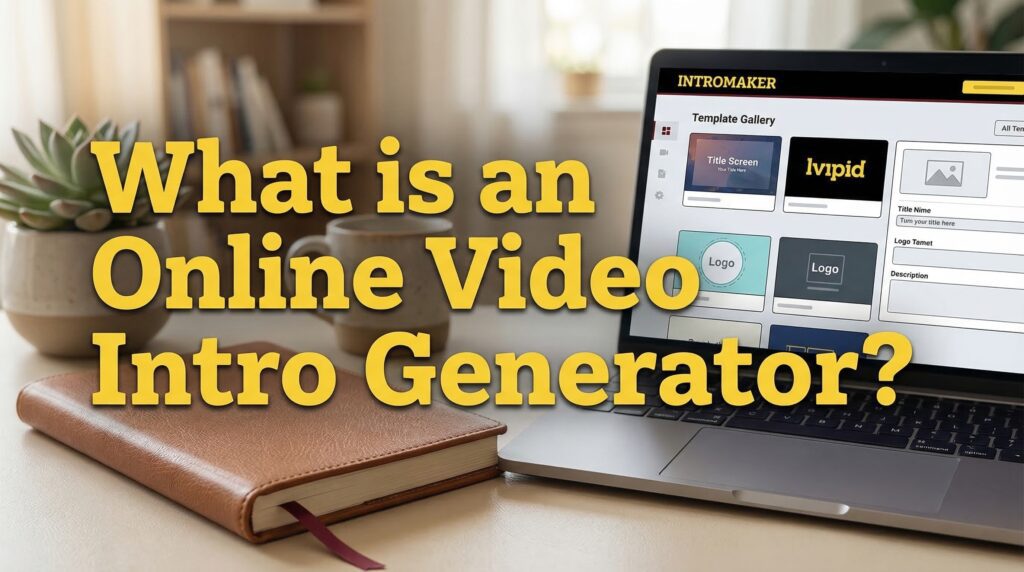
An online video intro generator is a tool that helps you make professional video introductions easily. It has many templates and options to customize. This makes creating high-quality intros simple, even if you don’t know much about video editing.
For example, platforms like iVipid allow users to create personalized intro videos by simply adding their name, logo, or message into pre-designed cinematic templates.

Definition and Purpose
An online video intro generator is a web app for making custom video introductions. Its main goal is to offer a simple way to pick from various templates, customize them, and download the intro. This is for use in your videos.
These tools save you time and effort. They are a better choice than hiring a professional or learning complex video editing software.
How It Works
Using an online video intro generator is easy. First, you choose a template that matches your video’s theme. Then, you add your text, logos, and branding elements. You can also change the animation, colors, and music to fit your video’s mood.

After customizing, you can preview your intro. If it looks good, you download it. You can then use it in your video editing software or upload it to your video platform.
| Feature | Description | Benefits |
|---|---|---|
| Template Library | A collection of pre-designed intro templates | Provides inspiration and saves time |
| Customization Options | Ability to change text, colors, logos, and animations | Allows for personalization to fit your brand |
| Video Quality | Options for output resolution and format | Ensures compatibility with various video platforms |
| Music and Sound Effects | Includes royalty-free music and sound effects | Enhances the overall viewing experience |
Understanding what an online video intro generator is and how it works helps you decide if it’s right for you. With the ability to customize video intros and access to professional intro templates, these generators are a great way to improve your video content.
With tools such as iVipid, the process becomes even simpler — you just select a template, enter your text, and download a ready-made intro within minutes.
Benefits of Using an Online Video Intro Generator
Online video intro generators have changed how we make intro videos. They make it easy for everyone to create great videos. These tools improve your video content and make making videos faster.
Time-Saving Convenience
One big plus of online video intro generators is how fast they are. You can create intro videos quickly, without spending hours editing. They have pre-made templates and easy-to-use interfaces.

With these tools, you can make high-quality intros fast. This lets you spend more time on other parts of making videos, like writing and filming.
Professional Quality Results
Online video intro generators help you get professional results easily. You don’t need to be a video editing expert. They make polished and engaging intros that improve your video content.
Many tools, like an animated intro creator, let you customize your intro. This means you can make your intro fit your brand’s style and tone. Your intro videos will look professional and match your brand.
Increased Viewer Engagement
A good intro grabs viewers’ attention right away. Online video intro generators give you the tools to make captivating intros. These intros draw viewers in and make them want to watch more.
By using these tools, you can make intros that look good and match your content. This helps you connect with your audience better and keeps them watching your video.
How to Choose the Right Video Intro Generator
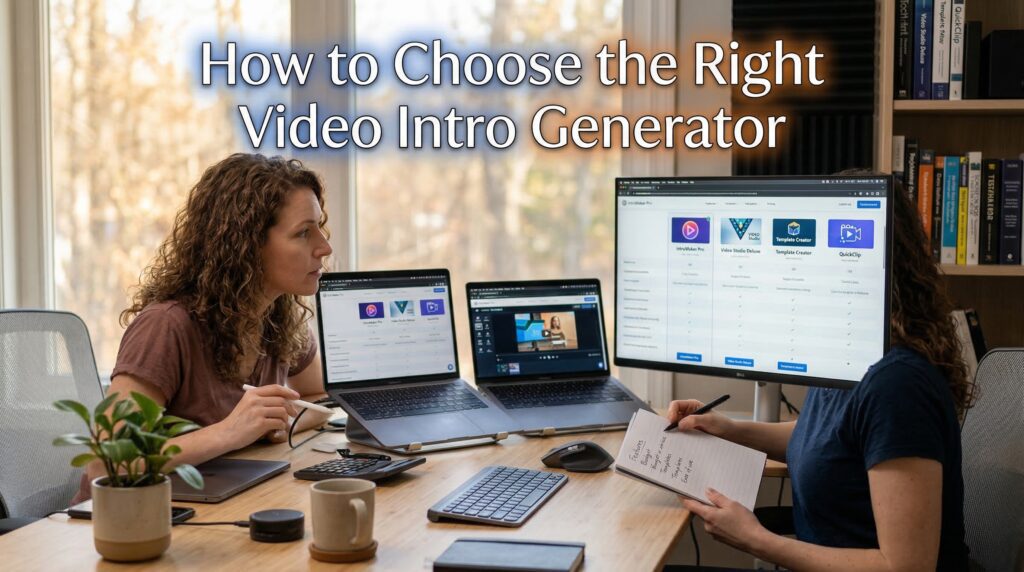
When looking for the perfect easy intro video maker, think about what you need. There are many choices out there. It’s important to pick one that fits your specific needs.
Evaluating Features and Usability
Look for a video intro generator with a simple interface. It should make creating your intro easy. You should find many templates and design elements that are easy to change.
It’s also important that the tool is easy to use. You should be able to make your intro fast, without needing to know a lot about tech. Look for tools with drag-and-drop features and simple controls.
Checking for Customization Options
Being able to customize your video intro is important. Make sure the tool lets you change things like text, colors, and graphics.
See if the tool has advanced options, like adding your own music or changing animation timing. Having these options can really improve your video.
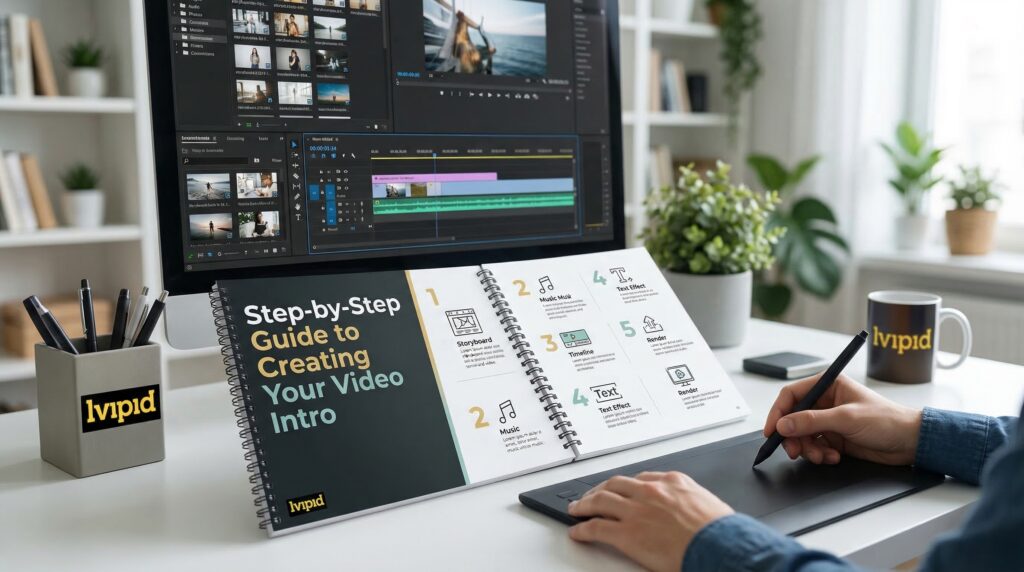
Step-by-Step Guide to Creating Your Video Intro
Our online video intro generator lets you make stunning intros in minutes. This guide will show you how, from signing up to customizing your intro.
Signing Up for the Tool
To start, sign up for our online video intro generator. It’s easy and quick. Just visit our website, click the sign-up button, and follow the steps. You’ll need to give us your name and email address.
Selecting a Template
After signing up, you’ll see our template library. Here, you can look through many templates for different video types. Use the search bar or filters to find what you need. Click on a template to see how it looks.
| Template Category | Description | Customization Options |
|---|---|---|
| Business | Professional templates for corporate videos | Logos, colors, text |
| Social Media | Engaging templates for social media clips | Fonts, animations, colors |
| YouTube | Templates designed for YouTube intro standards | Text overlays, music, effects |
Customizing Your Intro
Once you pick a template, it’s time to make it your own. Our tool lets you change text, colors, and add media. The customization panel is easy to use, showing changes as you go.
To customize your intro well:
- Change the Text: Click on text in your template to edit it. You can change font, size, and color to fit your brand.
- Adjust Colors and Logos: Use our color picker to pick colors for your brand. You can also upload your logo for a professional look.
- Add Media: Upload your own images or videos to add to the intro. This makes your intro more personal and engaging.
By following these steps, you can make a video intro that grabs attention and shows off your brand’s personality.
Essential Features to Look For
When looking for the perfect video intro generator, focus on key features. A professional intro can grab your audience’s attention. The right tool is essential.
Video Quality Options
The quality of your video intro matters a lot. It should be sharp and clear, no matter where you upload it. Choose a video intro maker with HD or 4K options. This ensures your intro looks great on all devices.
Also, a good intro generator should let you export in various resolutions and formats. This makes your intro versatile for different uses.
| Resolution | Description | Best Use |
|---|---|---|
| HD (1080p) | High-definition video quality | YouTube, social media, and most online platforms |
| 4K (2160p) | Ultra-high-definition video quality | High-end productions, cinematic releases, and future-proofing |
Music and Sound Effects
Music and sound effects can make your intro stand out. A good professional intro template should have many music tracks and sound effects to pick from.
“The right soundtrack can transform a simple intro into an immersive experience.”
When picking a video intro generator, look for one with lots of royalty-free music and sound effects. This lets you tailor your intro to fit your brand perfectly.
Text and Graphics Customization
Customization is key to making your intro unique. Find a video intro generator that lets you change text, fonts, colors, and graphics. You should be able to upload your own logos, adjust animations, and change the layout.
- Choose from a variety of fonts and text styles to match your brand identity.
- Customize colors to ensure consistency with your brand’s visual aesthetic.
- Upload your own graphics or use the generator’s built-in elements.
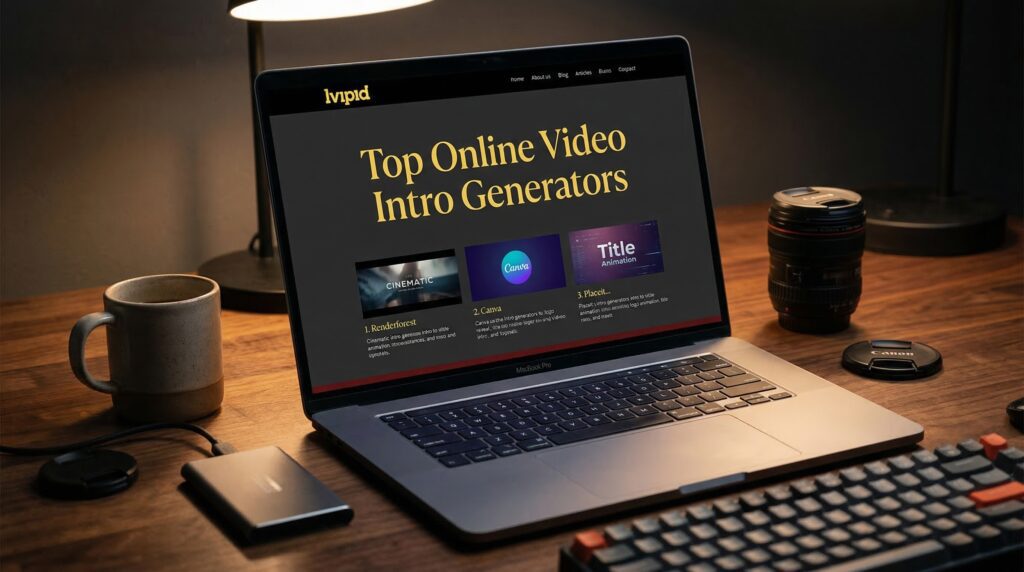
Top Online Video Intro Generators
Using an online video intro generator can grab your audience’s attention right away. With so many options, picking the right one can be tough. This section will show you the top online video intro generators to help you decide.
Introduce Yourself: Best Picks
Here are some top online video intro generators known for their features and ease of use:
- Renderforest: It has a huge template library and is easy to use. This makes it great for creating intro videos that look professional and engaging.
- IntroMaker: It has lots of customization options and high-quality output. It’s perfect for those who want intro videos that reflect their brand.
- Animoto: It’s a favorite for animated intros. It has many templates and an easy editing process, ideal for an animated intro creator.
- iVipid: Best for cinematic and personalized intro videos (Hollywood-style, news intros, VIP animations)
These tools are praised for making high-quality video intros easy to create, even for those new to video editing.
Detailed Comparison of Leading Tools
When picking an online video intro generator, consider several factors. Here’s a comparison of the top tools based on important features:
| Tool | Customization Options | Output Quality | Ease of Use |
|---|---|---|---|
| Renderforest | High | 1080p | Easy |
| IntroMaker | High | 4K | Moderate |
| Animoto | Medium | 1080p | Easy |
| iVipid | Medium | 720p | Beginner Friendly |
This comparison shows what each tool is good at. It helps you pick the best one for creating eye-catching video intros.
Tips for Designing an Effective Video Intro
Creating a great video intro is key to grabbing your audience’s attention. A well-made intro sets the mood for your whole video. It can really boost how much people watch. With an easy intro video maker, you can make professional-looking intros that connect with your viewers.
Keep It Short and Sweet
How long your intro is matters a lot. You want to grab your viewers’ attention without overwhelming them. Aim for an intro that’s 5 to 10 seconds long. This length lets you introduce your brand or topic without losing your audience.
Using a tool to customize video intros can help you get it just right.
Use Brand Colors and Fonts
Being consistent is important for a strong brand identity. When making your video intro, use your brand’s colors and fonts. This strengthens your brand’s look and makes the video feel more cohesive. Most intro makers let you customize to fit your brand’s style.
Capturing Audience Attention Quickly
In today’s fast world, grabbing your audience’s attention fast is critical. Your intro should be engaging and make viewers want to watch more. Use exciting visuals, catchy music, or a compelling story to pull them in. An easy intro video maker gives you the tools and templates to create an intro that grabs your viewers’ interest.
Common Mistakes to Avoid
Creating a video intro with an online generator can be tricky. You need to avoid common mistakes to make it effective. A good intro can make your video more appealing. But a bad one might scare off viewers.
Overloading with Content
One big mistake is adding too much to your intro. This makes it look messy and confusing. It can overwhelm your viewers. To fix this, keep your intro short and to the point.
“Simplicity is the ultimate form of sophistication.” – Leonardo da Vinci
By keeping it simple, your intro will grab attention without being too much. This makes it more engaging for your viewers.
Forgetting to Preview Your Intro
Another mistake is not previewing your intro before it’s final. Previewing helps you spot mistakes and check the timing. It also lets you make any last-minute changes to improve it.
| Common Mistakes | Consequences | Solutions |
|---|---|---|
| Overloading with Content | Cluttered and confusing intro | Keep it simple and focused |
| Forgetting to Preview | Errors and poor timing | Always preview before finalizing |
Knowing these mistakes and how to avoid them can help. You can make a great video intro with an online generator. This will grab your audience’s attention and keep them interested.
How to Incorporate Your Intro into Videos
Now that you’ve made your eye-catching video intro, it’s time to add it to your videos. Adding your intro to your main video is easy if you know the right steps.
You can upload your intro to video editing software or add it to video-sharing sites. Each method has its own benefits, depending on what you need.
Uploading to Video Editing Software
To add your intro to your video, start by exporting it in a format that works. Most video intro makers, like ours, let you download in formats like MP4 or MOV.
After getting your intro file, import it into your favorite video editing software. Adobe Premiere Pro, Final Cut Pro, and DaVinci Resolve are popular choices. Just drag your intro to the start of your project, adjust the timing, and make sure it fits with your video.
Adding to Common Platforms like YouTube
To add your intro on YouTube, create a separate video for it. Then, use YouTube’s editor or a third-party tool to merge it with your main video. But, YouTube’s editor has limits, so using a dedicated software is better.
Or, you can record your intro right before your main video. This way, you don’t need to edit much, but you need to plan and record carefully.
By following these steps, you can add your intro to your videos. This makes your content start off strong and engaging.
Frequently Asked Questions
Using an online video intro generator can really change your video game. We’re here to answer your top questions. You might wonder about export formats and if they work on different platforms.
Exporting Your Video Intro: Format Options
When making a video intro, picking the right export format is key. Most online tools, like professional intro templates and animated intro creators, offer many formats. This helps meet various needs.
Common formats include MP4, AVI, and MOV. These are great for most video editing software and platforms. Some tools also offer GIF for social media or other special uses.
| Export Format | Compatibility | Common Use |
|---|---|---|
| MP4 | Highly compatible with most devices and platforms | General video use, web, and social media |
| AVI | Compatible with many video editing software | Video editing and post-production |
| MOV | Compatible with Apple devices and professional video editing software | Professional video production and Apple ecosystem |
Using Your Intro Across Different Platforms
Many people ask if their intro works on different platforms. The answer is yes, most online intro generators are made to work everywhere. You can use your intro on YouTube, Vimeo, social media, and more without trouble.
But, it’s smart to double-check the generator’s settings. Make sure the file fits your platform’s needs. Think about resolution, aspect ratio, and file size.
- Check the export settings to ensure they match your platform’s requirements.
- Preview your intro on different platforms to ensure it looks as intended.
- Consider the aspect ratio and resolution for optimal viewing on various devices.
Conclusion: Start Creating Captivating Video Intros Today!
Now you know how to make great video intros with an easy intro video maker. Use an online video intro generator to make intros that show off your brand. They will grab your audience’s attention.
With the right tool, you can make professional-looking intros without being a video editing expert. Use the tips from this article to make video content that your viewers will love.
Take the Next Step
Start exploring video intro creation and see how it can improve your videos. Try out different templates and customize your intros to match your brand. Your viewers will notice the difference. If you want a fast and simple way to create eye-catching intros, tools like iVipid are a great place to start.
Get Support and Resources
Need more help? Check out our platform’s resources. We offer tutorials and customer support to help you make amazing video intros. We’re here to help you every step of the way.